MQTT broker section
In the MQTT broker section (see the figure below), you can view and change the MQTT broker settings.
Depending on whether the MQTT broker settings have been correctly configured in the menu next to the MQTT broker item, one of the following badges will be displayed:
- Icon
 . This means that the MQTT broker settings were correctly configured.
 - Icon
 . This means that the MQTT broker settings were not correctly configured.
 - Icon
 . This means that the MQTT broker cannot connect to the network.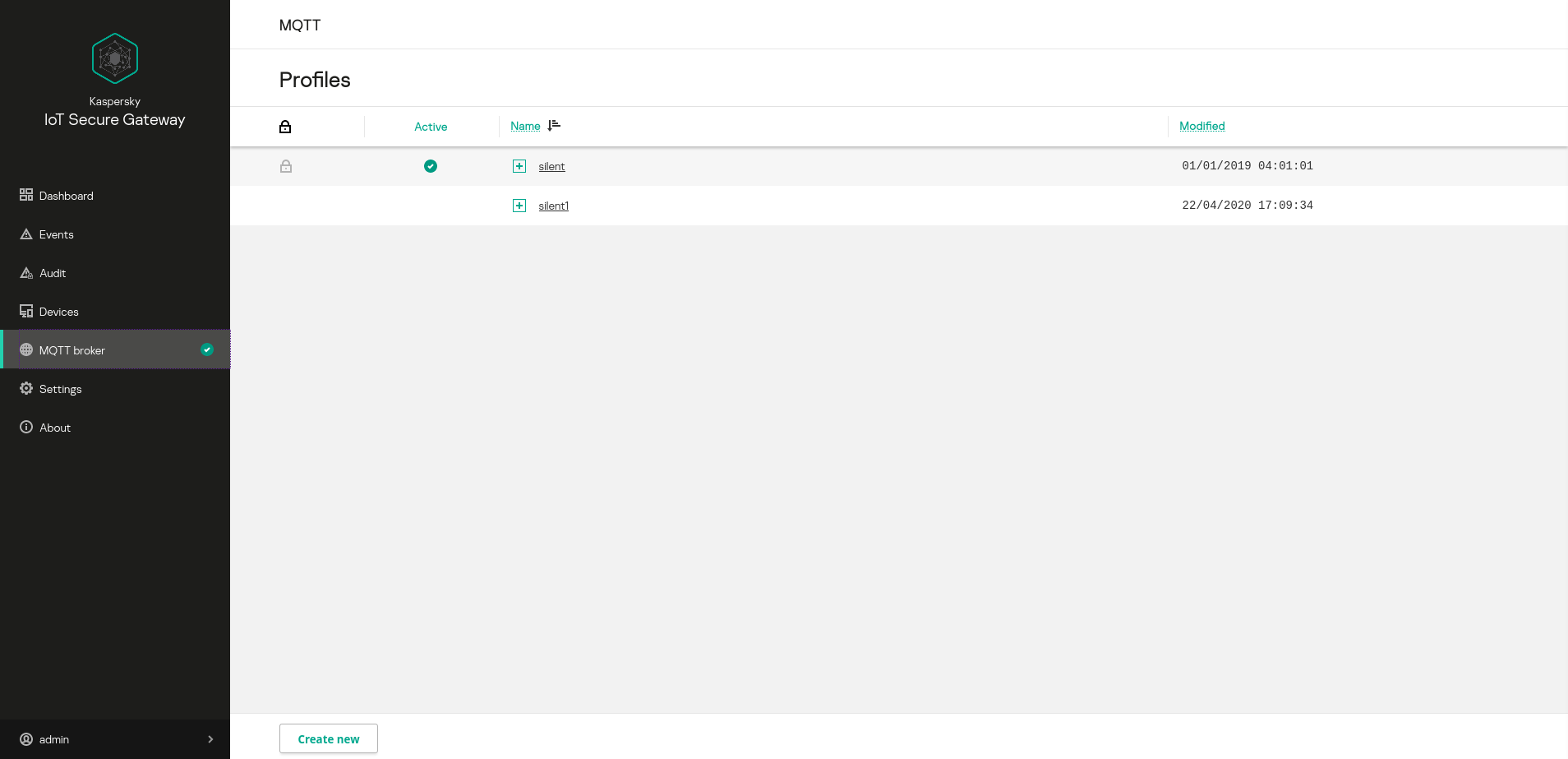
MQTT broker section
This section displays a table containing profiles of the MQTT broker known as Eclipse Mosquitto™, and shows the Create new button that lets you create a new profile.
The table displays the following information:
 – profile editing access. Predefined profiles are read-only. All profiles created by the user can be edited.
- Active – the active profile is indicated by the icon.
- Name – name of the profile. Clicking the
 icon opens the list of profile settings.
 - Modified – date and time of the most recent change in the profile.