Web server settings block
In the Web server settings block (see the figure below), you can view, create, delete and change CivetWeb web server profiles. This block displays a table containing CivetWeb web server profiles, and a Create new button that lets you create a new profile.
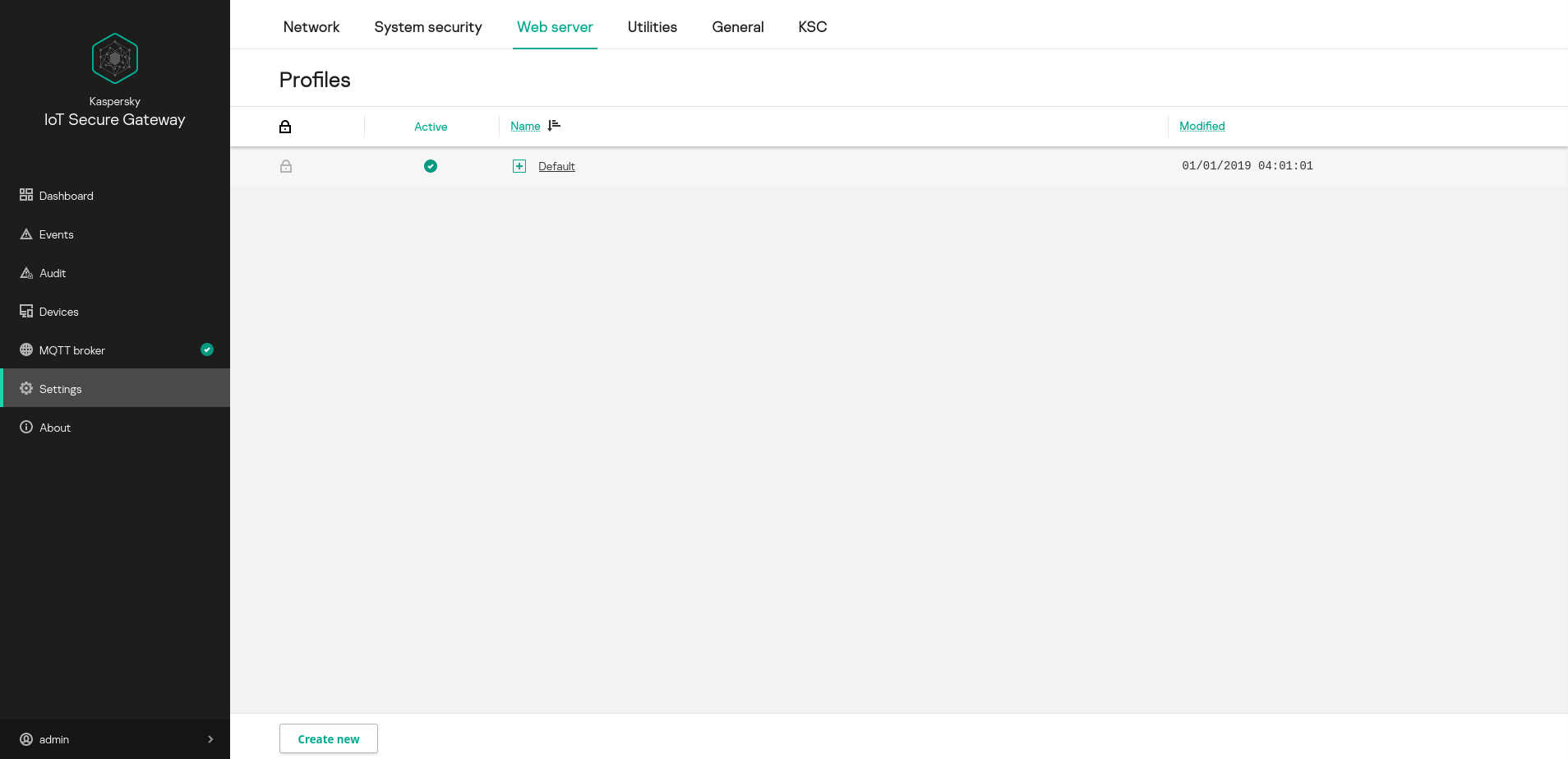
Web server settings block
The table displays the following information:
 – profile editing access. Predefined profiles are read-only. All profiles created by the user can be edited.
- Active – the active profile is indicated by the
 icon.
icon. - Name – name of the profile. Clicking the
 icon opens the list of profile settings.
 - Modified – date and time of the most recent change in the profile.