Events section
In the Events section (see the figure below), you can view network security events that occurred during the current session of the user's connection to the system through a browser. Network security events include the appearance and disappearance of devices in the network, and attempts by a device to connect to the web interface.
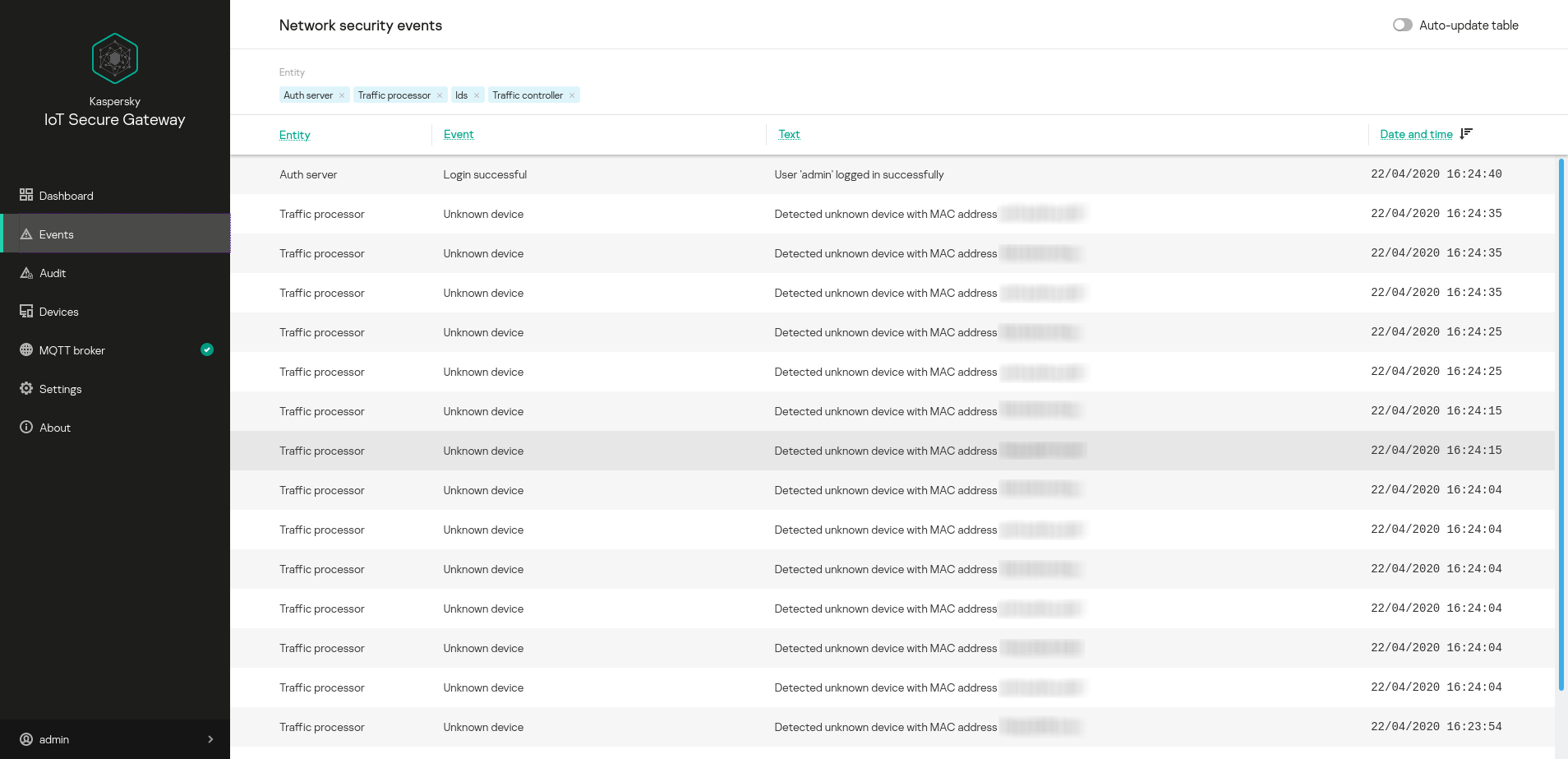
Events section
The upper part of the Events section has a toolbar containing the following elements for managing the table of network security events:
- Auto-update table – enables automatic update of event log entries on the page. If the Auto-update table toggle button is switched off, the page displays only those events that were in the log when the Network security events section was opened.
- Entity – groups buttons for enabling and disabling event filtering based on the component that registered the event: Auth server, Traffic processor.
The following information is displayed for each entry of the network security event log:
- Entity – name of the component that registered the event.
- Event – type of event.
- Title – information about the event.
- Date and time – date and time when the event occurred.