Main application window
The main application window displays protection status and information about enabled protection technologies.
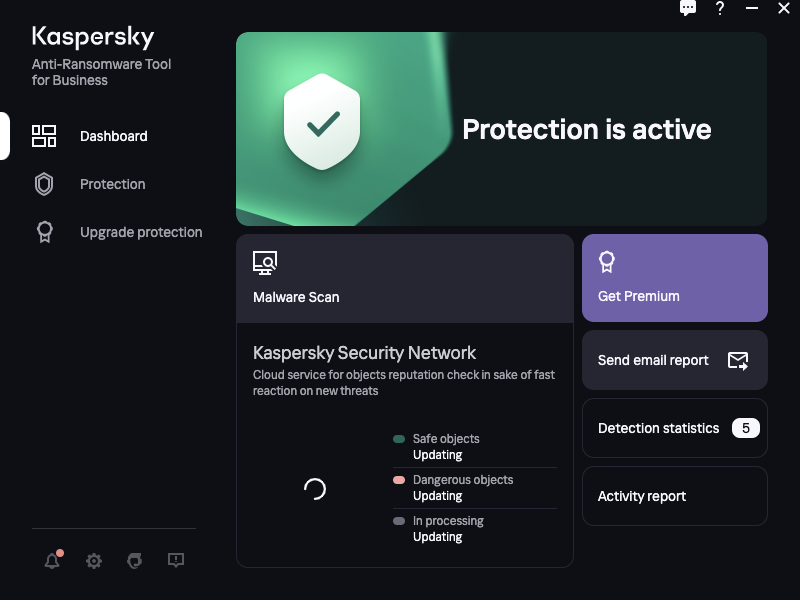
Main application window
The main application window contains a dashboard that lets you do the following:
- View the protection status
- See the statistics and go to the Malware scan section
- Get Premium
- Send email report or go to the Notifications section, if the feature is not set up
- See Detection statistics and go to the Detection statistics section for more details
- Go to the Activity report
In the main application menu you can switch between Dashboard, Protection and Upgrade protection sections.
The lower left corner of the main application window contains icons for going to unread news from Kaspersky  , Settings
  , Get technical support section
  and feedback form
  .
.
In the upper right corner of each application window there is an icon for sending your feedback about the clarity of the window  .
.