Anomaly management
The section describes the principles of working with information about anomalies – the Anomalies tab on the Portal.
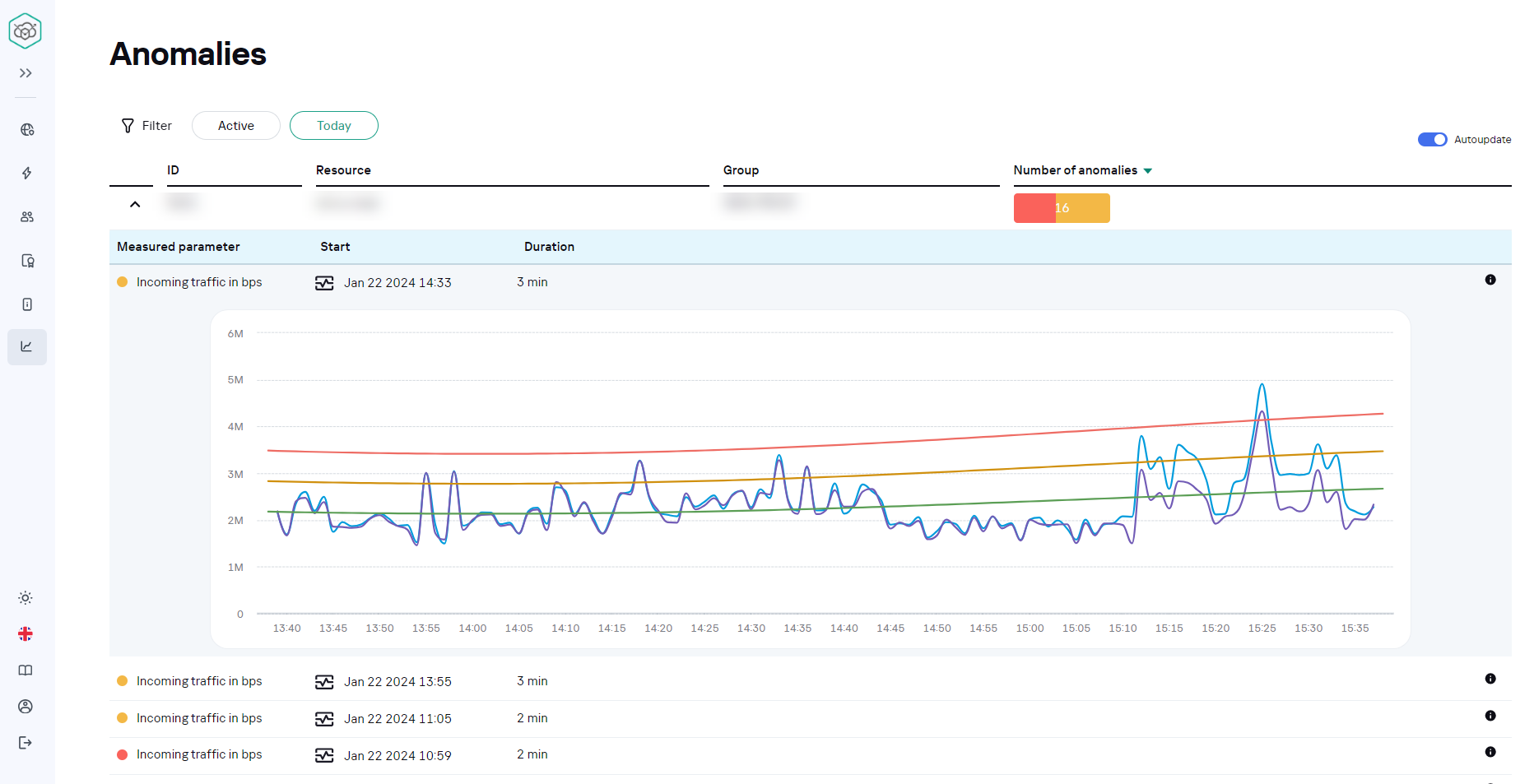
At the top of the page, there is the Filter button. Click it to open the filtering settings menu.

The list of anomalies can be filtered by the following criteria:
- Group
- Resource
- Setting
- Level
- State
- Period (from)
- Period (to)
At the bottom of the page there is a table of anomalies selected according to the filtering. For each anomaly in the table the following parameters are given:
- ID
- Resource
- Group
- Number of anomalies
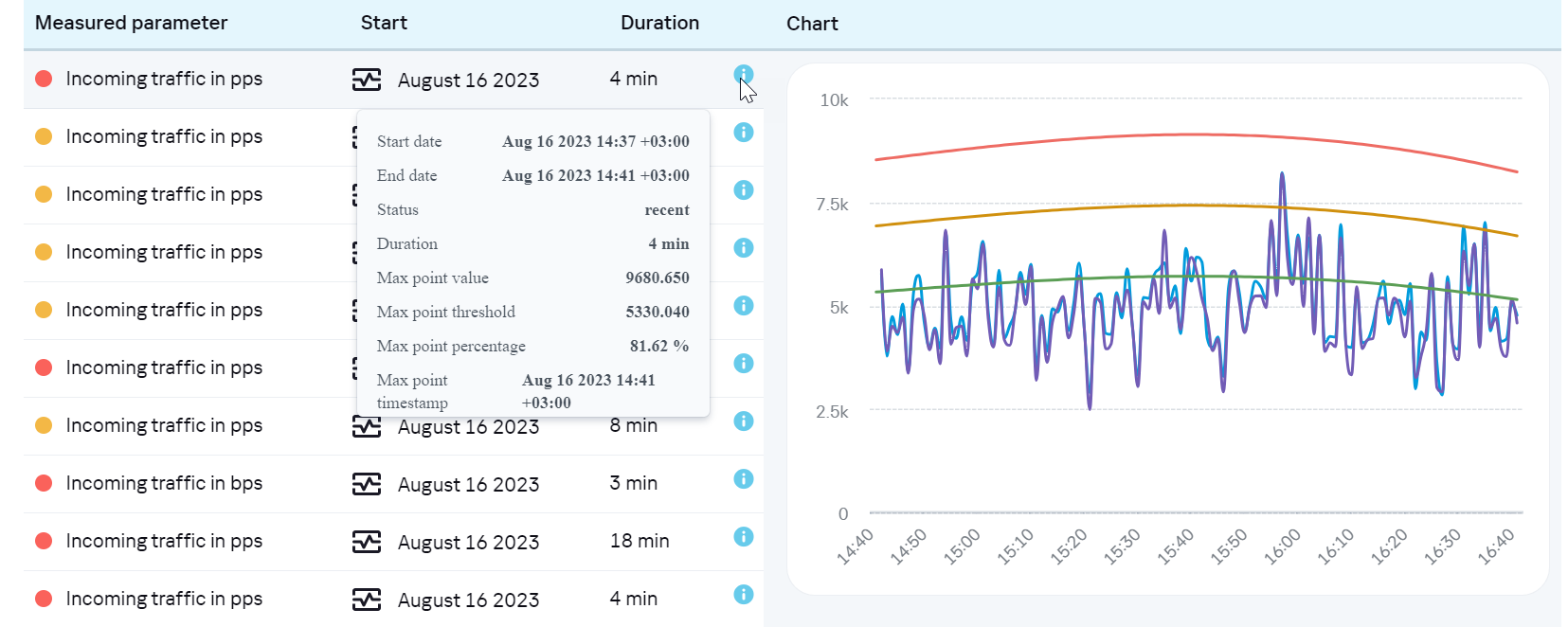
For more detailed information about the anomaly, click the arrow in the first column of the table. The corresponding menu will be opened, where the following parameters are presented:
- Measured parameter
- Start date
- Duration
- Chart