Initial configuration section
In the Startup configuration section of the Server web interface (see the figure below), you can specify the main Application Server settings that are required for starting the application after it is installed.
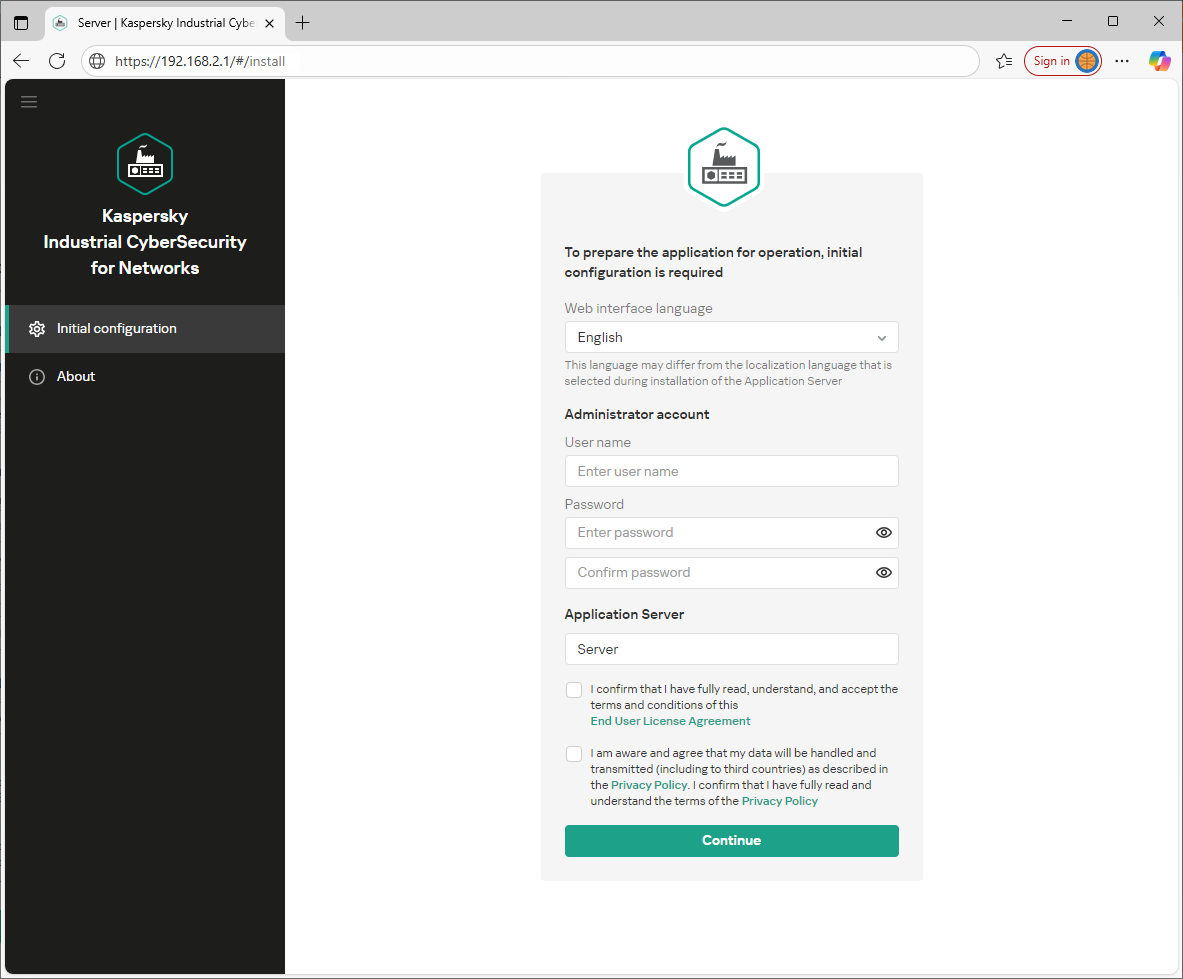
Startup configuration section
This section contains a window that you can use to configure the main settings of the Server, create the first user with the Administrator role, and carefully read and accept the terms of the End User License Agreement and Privacy Policy. After completing these actions, this web interface page will automatically close (along with other Server connection sessions through the web interface) and you will be taken to the Server web interface page for the normal operating mode of the application.
Page top