Editing the name of a security code issuer
You can have several identifiers (called issuers) for different Administration Servers. You can change the name of a security code issuer in case, for example, the Administration Server already uses a similar name of the security code issuer for another Administration Server. By default, the name of a security code issuer is the same as the name of the Administration Server.
To specify a new name of a security code issuer:
- In the main menu, click the Administration Server name.
The Administration Server properties window opens.
- On the Two-factor authentication tab of the properties window, enter a new name in the Security code issuer field, and then save changes.
A new security code issuer name is assigned to Administration Server after the next sign-in.
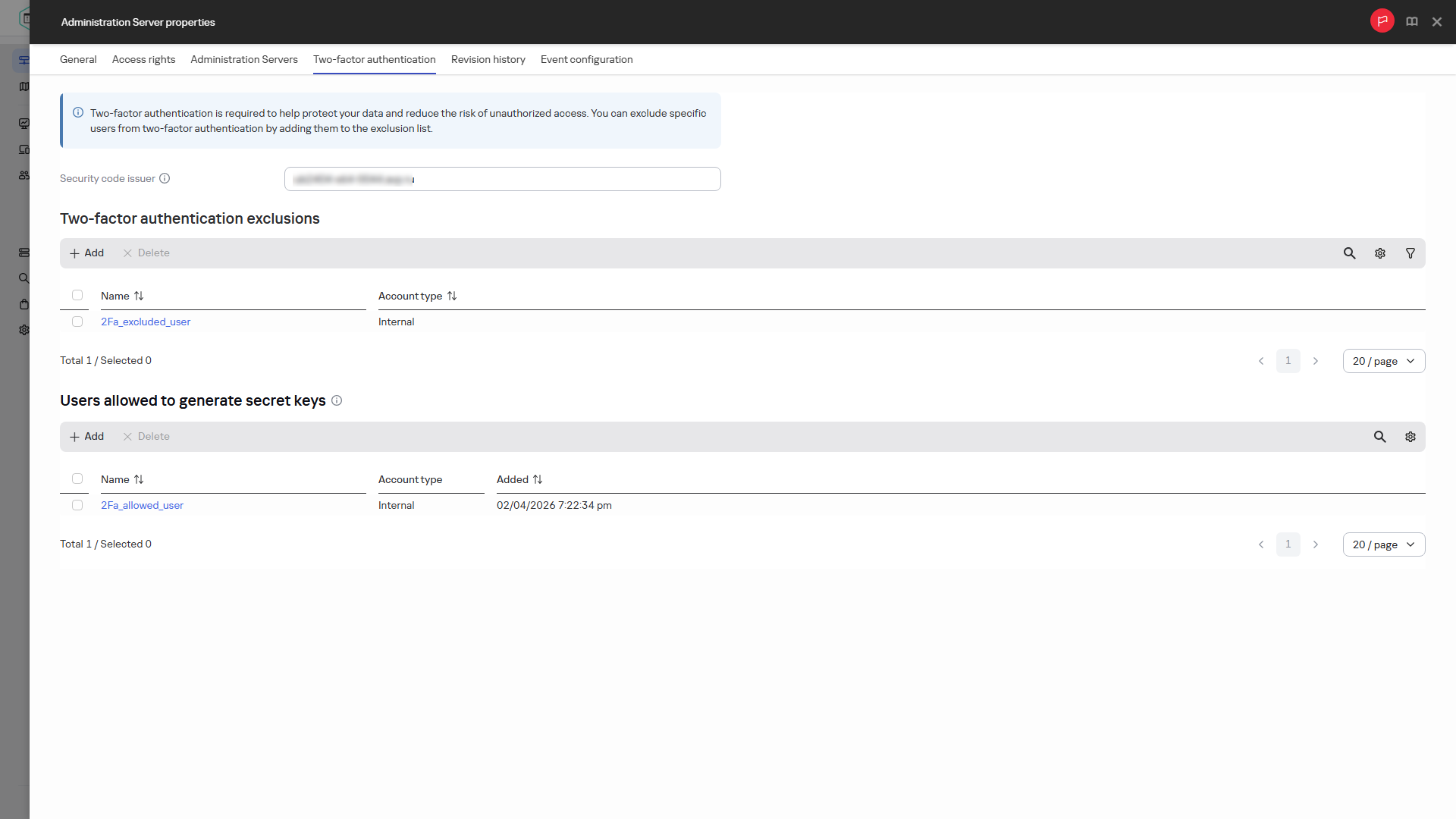
Specifying the name of a security code issuer
Page top