Configuring Splunk
For better parsing of Kaspersky Scan Engine events in CEF format, install CEF Extraction Add-on to your Splunk instance.
To configure Splunk:
- Open the Splunk web interface.
- Go to Settings > Data inputs.
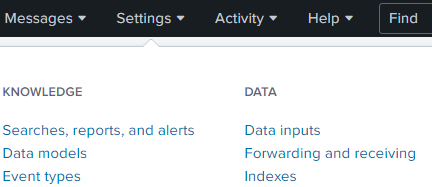
Selecting Settings > Data inputs
- In Local inputs, locate the TCP element in the list, and then click Add new.
- Fill out the form that opens:
- Port. Specify the port to which Kaspersky Scan Engine must send logs. For example, 9998.
- Source name override. Specify scanengine.
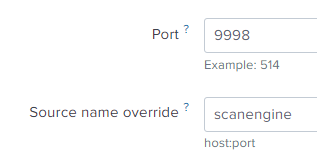
Adding a new TCP input
Click Next.
- In the next window in Select Source Type, specify the source type:
- Specify cefevents if you installed the CEF Extraction Add-on for Splunk.
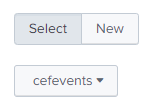
Selecting cefevents
- Specify syslog if you did not install CEF Extraction Add-on for Splunk.
You can specify the App Context and Index fields according to your needs. For example, you can specify the index of the events sent by Kaspersky Scan Engine.
- Click Review to check the settings, and then click Submit.
After Kaspersky Scan Engine is configured, you can check if the Splunk configuration is correct.
To check if Splunk is configured correctly:
- In the Splunk web interface, open Search & Reporting.
- Specify the search parameters as follows:
- If you specified cefevents in Source Type earlier, enter the following search string:
source="scanengine" sourcetype="cefevents" - If you specified syslog in Source Type earlier, enter the following search string:
source="scanengine" sourcetype="syslog" - Time filter: specify All time (real-time)
- If you specified cefevents in Source Type earlier, enter the following search string:
- Run search.
If Splunk is configured correctly, it displays events sent by Kaspersky Scan Engine in real time.
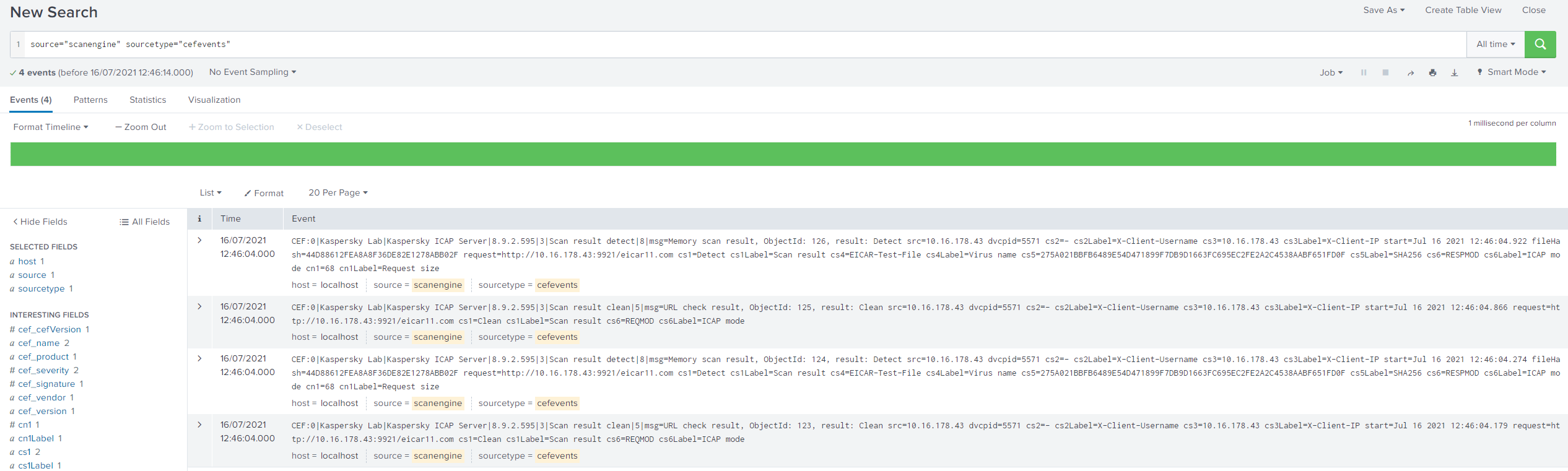
Events sent by Kaspersky Scan Engine
Page top