Additional configuration of the Microsoft Exchange server
To simulate phishing campaigns, you must enable the Microsoft Exchange server to send phishing messages. Learn more about configuring Microsoft Exchange.
To allow the Microsoft Exchange server to send phishing emails:
- Start the Exchange Management Shell as an administrator.
- Run the following commands:
New-ReceiveConnector -Name "<Connection name>" -TransportRole FrontendTransport -Custom -Bindings 0.0.0.0:587 -RemoteIpRanges <KASAP IP address> -TarpitInterval 00:00:00Set-ReceiveConnector "<Connection name>" -PermissionGroups AnonymousUsersGet-ReceiveConnector "<Connection name>" | Add-ADPermission -User "NT AUTHORITY\ANONYMOUS LOGON" -ExtendedRights "Ms-Exch-SMTP-Accept-Any-Recipient"
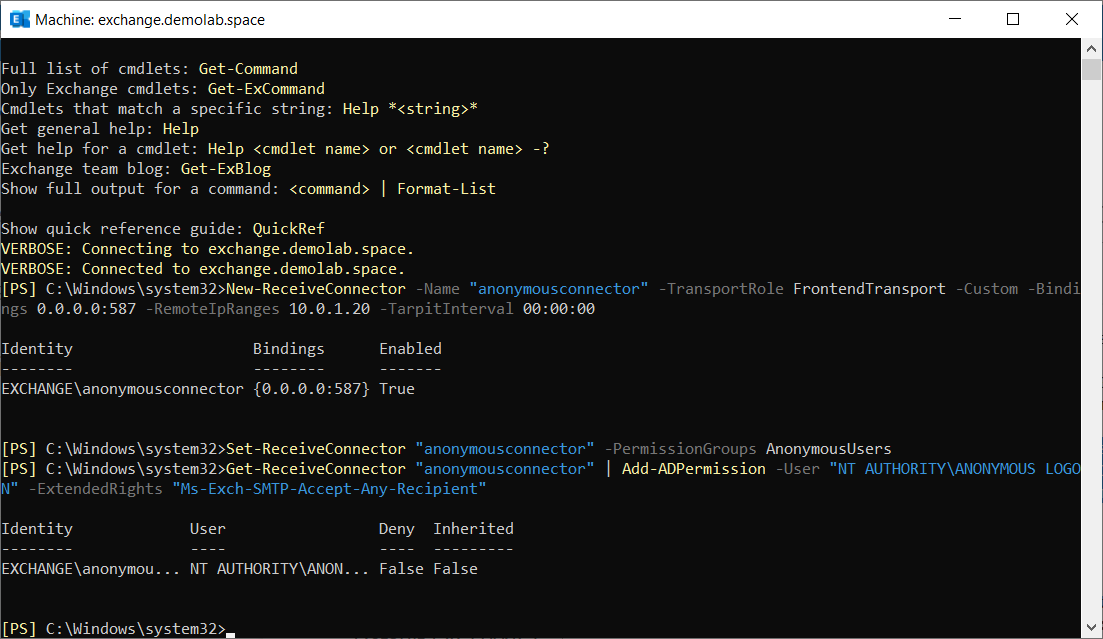
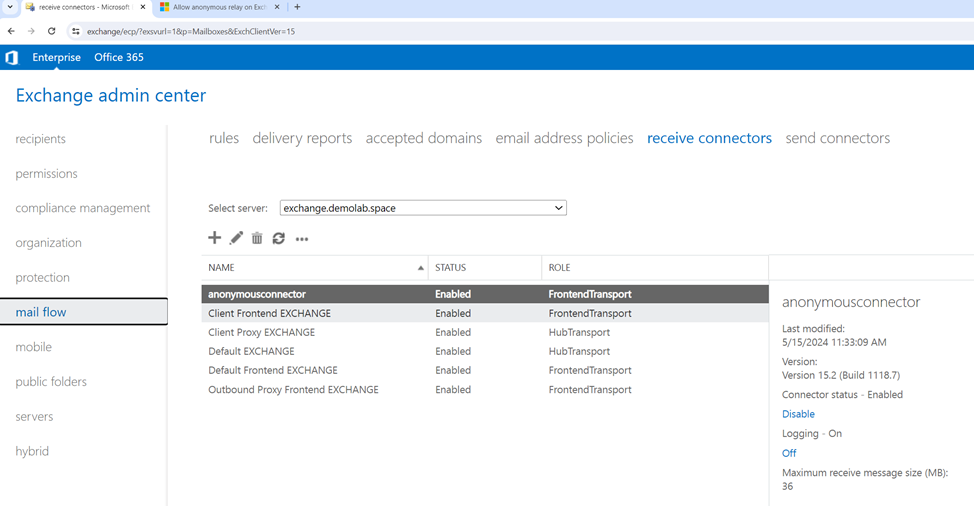
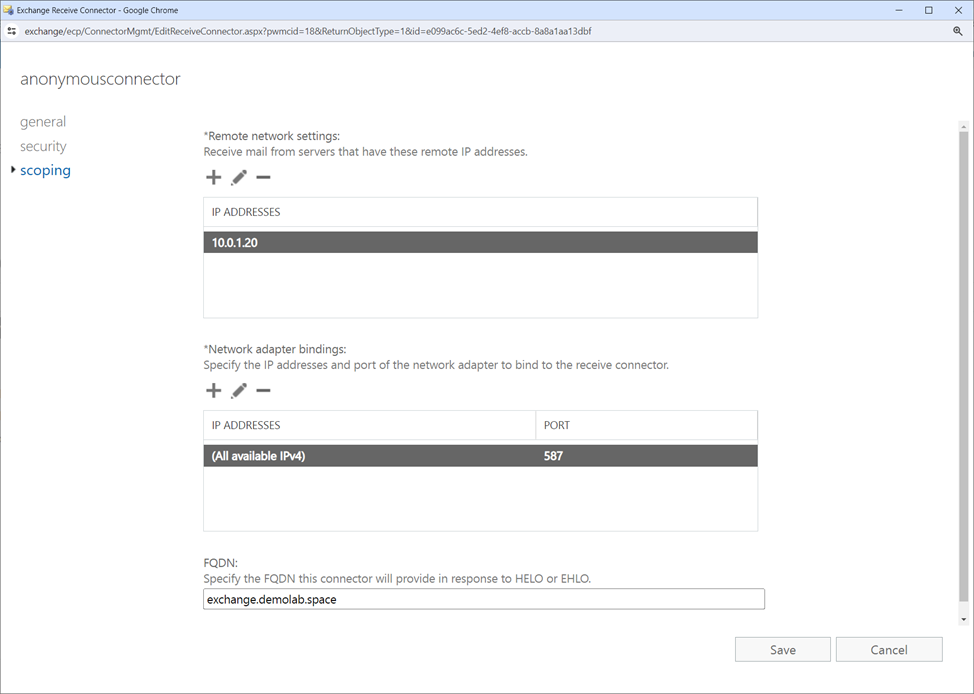
In Microsoft Exchange, there is now a connection with the name specified in the commands in the mail flow section, and the forwarding of phishing emails is allowed. Forwarding information can be viewed in the Microsoft Exchange log, for example C:\Program Files\Microsoft\Exchange Server\V15\TransportRoles\Logs\FrontEnd\ProtocolLog\SmtpReceive.