Enabling or disabling energy-saving mode
To enable or disable energy conservation mode:
- In the main application window, click the
 button.
 - In the application settings window, select General settings → Application settings.
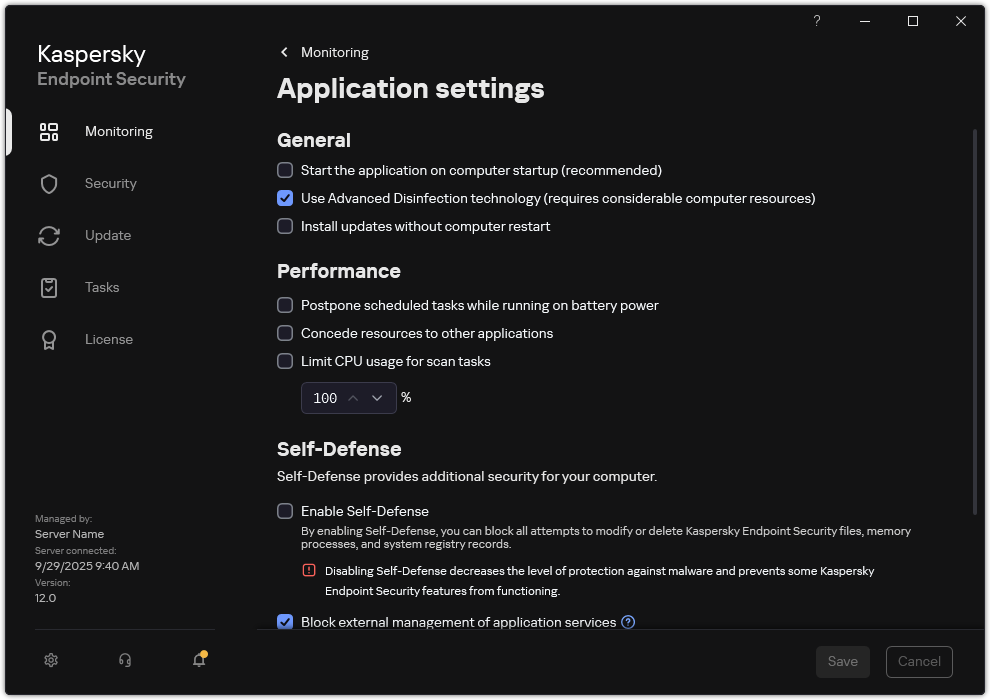
Kaspersky Endpoint Security for Windows settings
- In the Performance block, use the Postpone scheduled tasks while running on battery power check box to enable or disable power saving mode.
When power-saving mode is enabled and a computer is running on battery power, the following tasks are not run, even if scheduled:
- Update of databases and application modules
- Full Scan
- Critical Areas Scan
- Custom Scan
- Application Integrity Check
- IOC Scan
- Save your changes.