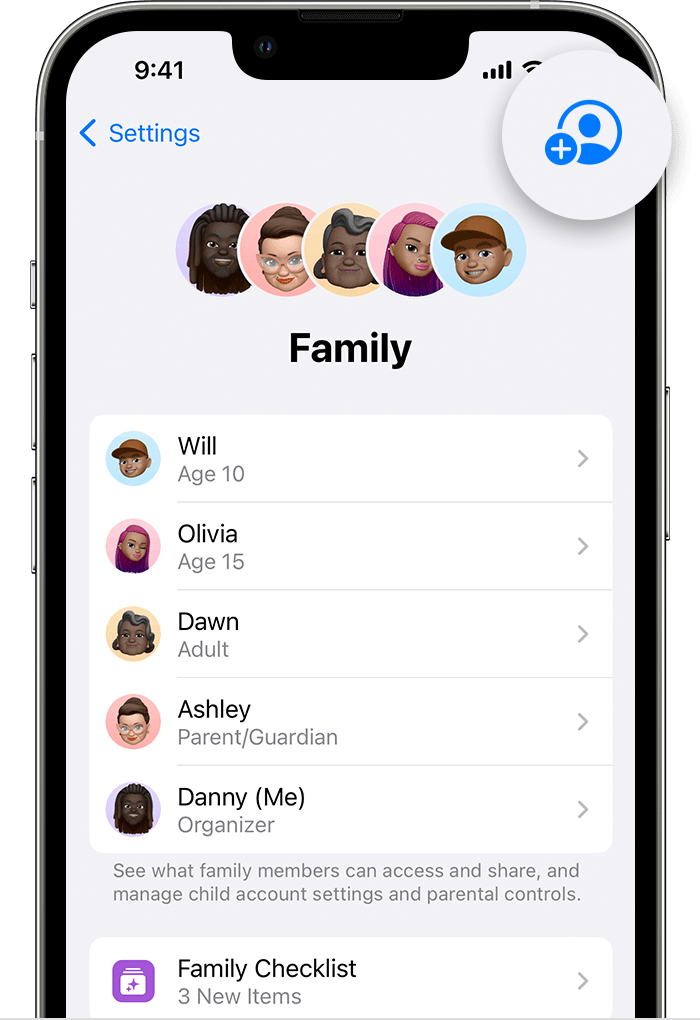
Step 1
Create a child-specific Apple ID for a child
Apple ID is needed to set up Screen Time. Without Screen Time, uninstallation protection and web content filtering won't work and a child's device won't be locked on schedule or depending on a time limit.

|
To create a child's account, you must be the child's legal representative (parent or guardian) as required by local law. |
|
|
To set up a child's Apple ID, you need an Apple ID with a valid payment method. |
-
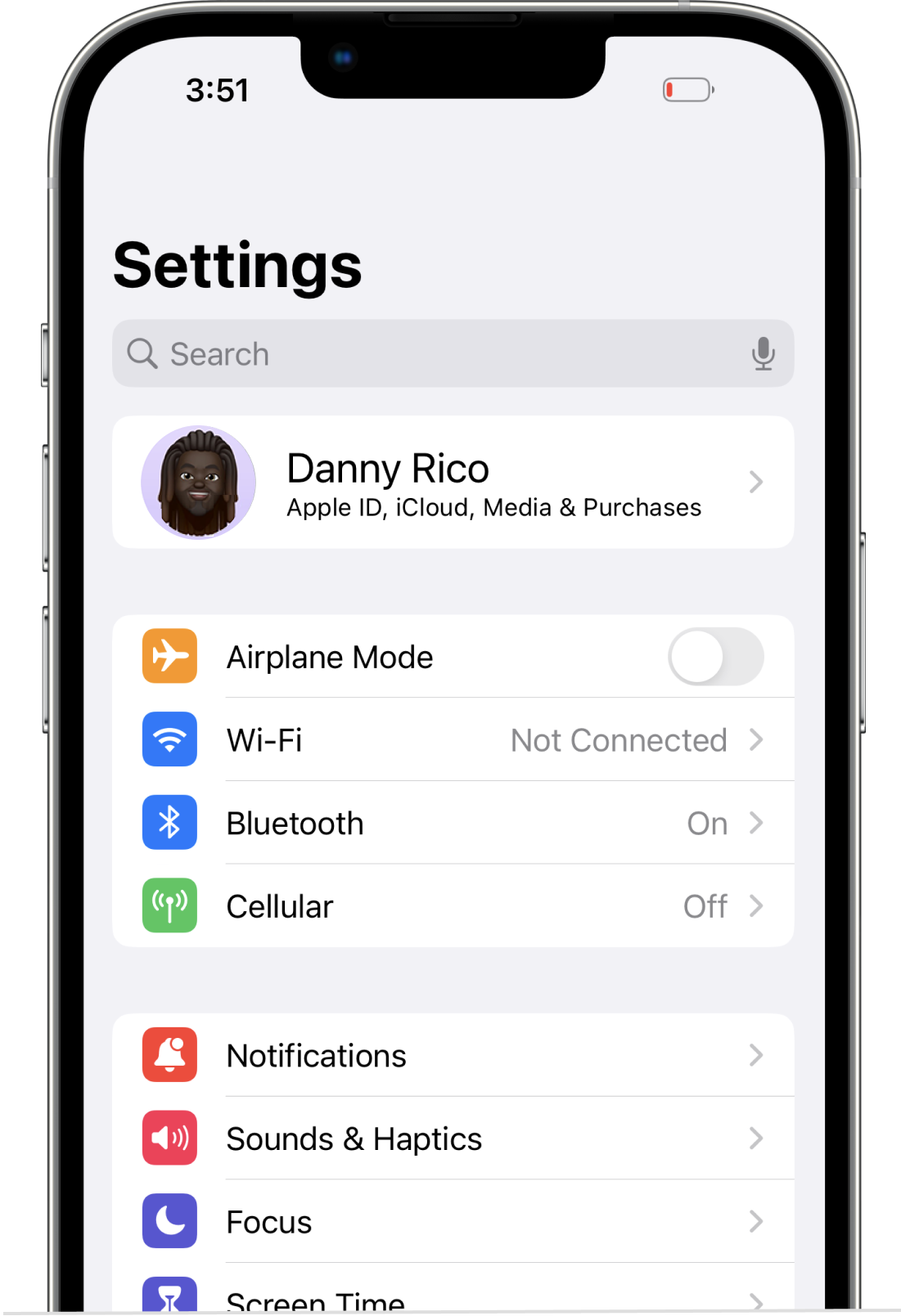
On your device, go to Settings and tap your Apple ID.
-
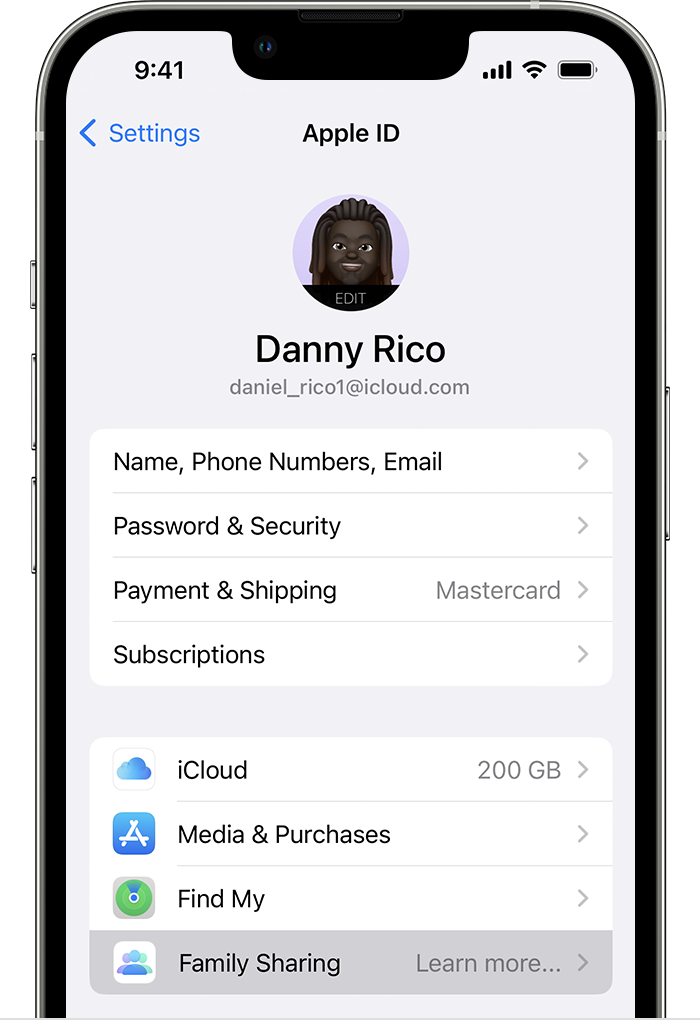
Go to Family Sharing and tap Add Member.
-
Tap Create Child Account, then tap Continue and follow the onscreen instructions.
|
|
You can use the child's email address for their Apple ID, or their Game Center nickname. Be sure to enter the correct birth date — you can't change it later. |
-

In iOS 16 and later
-

In iOS 15
-
A child's account will appear in the Family Sharing section.