How to install Kaspersky Threat Feed App for Splunk Cloud
Kaspersky Threat Feed App for Splunk Сloud can be installed for Splunk Cloud version 9.0.
To install Kaspersky Threat Feed App for Splunk Cloud:
- In Splunk Cloud, on the Apps panel, click the Manage Apps button.
The Apps page opens.
- Click the Install app from file button.

Install app from file button
- Click the Upload an app button.
- Click Choose File, and then select the
Kaspersky_Threat_Feed_App_for_Splunk_Cloud.tar.gzfile.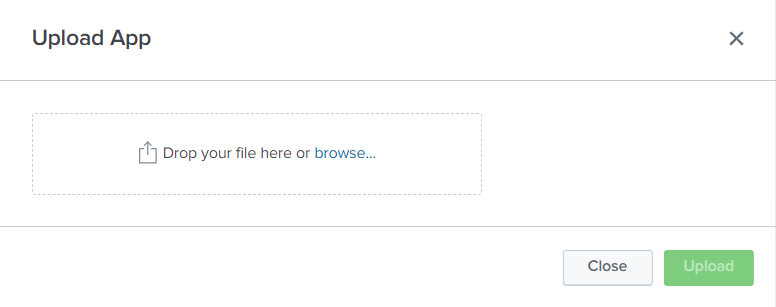
Choosing the installation archive
- Click Upload.
- Click Check status, and then click Install.
- If the Restart required window opens, click Restart Splunk.
If the Restart required window does not open, restart Splunk manually. Do this so that Splunk will display the app icon.
The Uploaded Apps page will contain a new item, Kaspersky Threat Feed App for Splunk Cloud.

Uploaded apps