Viewing information about Kaspersky Thin Client and a thin client
In the Kaspersky Thin Client interface, you can view the current version of the operating system and its release date, and the SDK version. The interface also displays the IP address and name of the thin client.
To view information about a thin client,
in the Kaspersky Thin Client control panel, click  .
.
A window containing information about the thin client appears.
This window will also display the Technical Support contacts or your company's administrator contacts if the thin client was added to the administration group and if this data was specified in the policy via the Web Console.
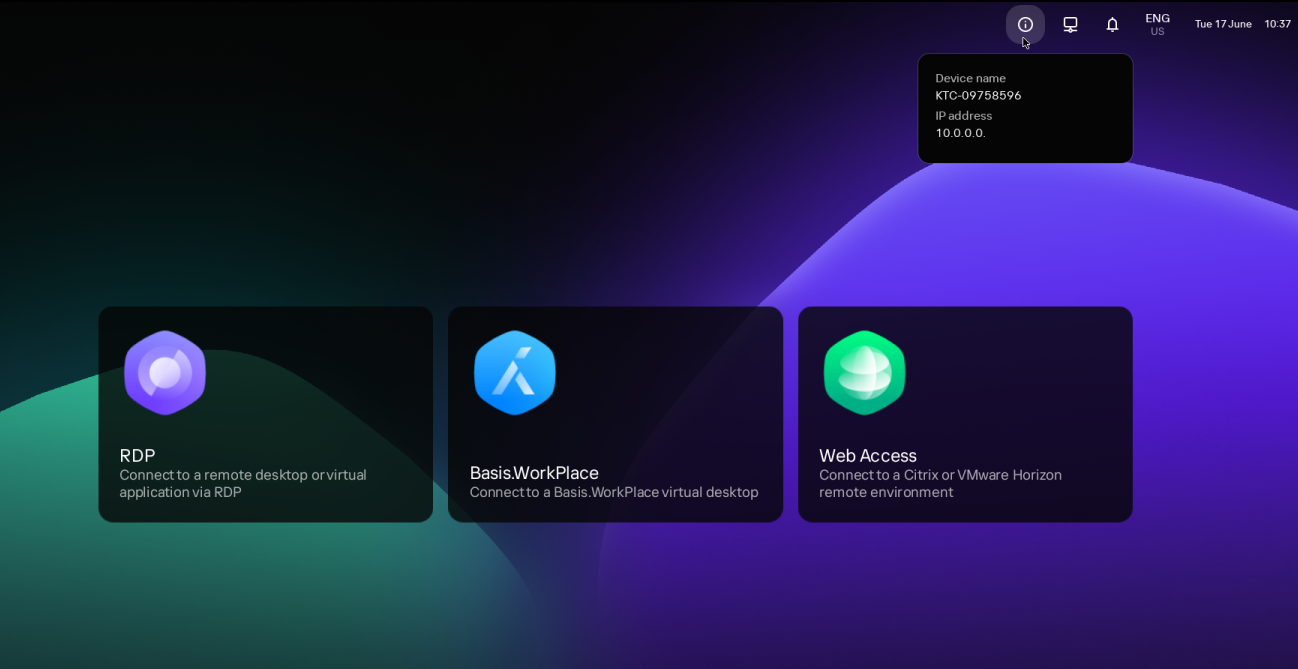
Thin client information window
To view information about Kaspersky Thin Client,
in the Kaspersky Thin Client control panel, click  and select Tools → System info in the menu that opens (see the figure below).
A window with information about Kaspersky Thin Client will appear.
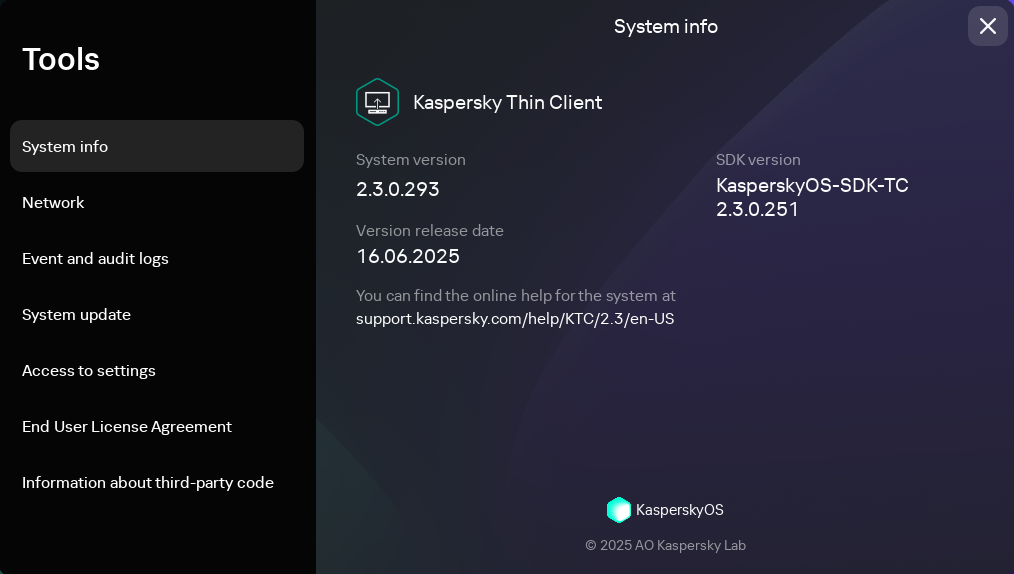
Tools. System info section
Page top